
A screen rewards the gentlest tool in the house.
The Cloth Matters More Than the Cleaner
How to clean a TV screen and electronics safely, and why the cloth matters more than the cleaner.
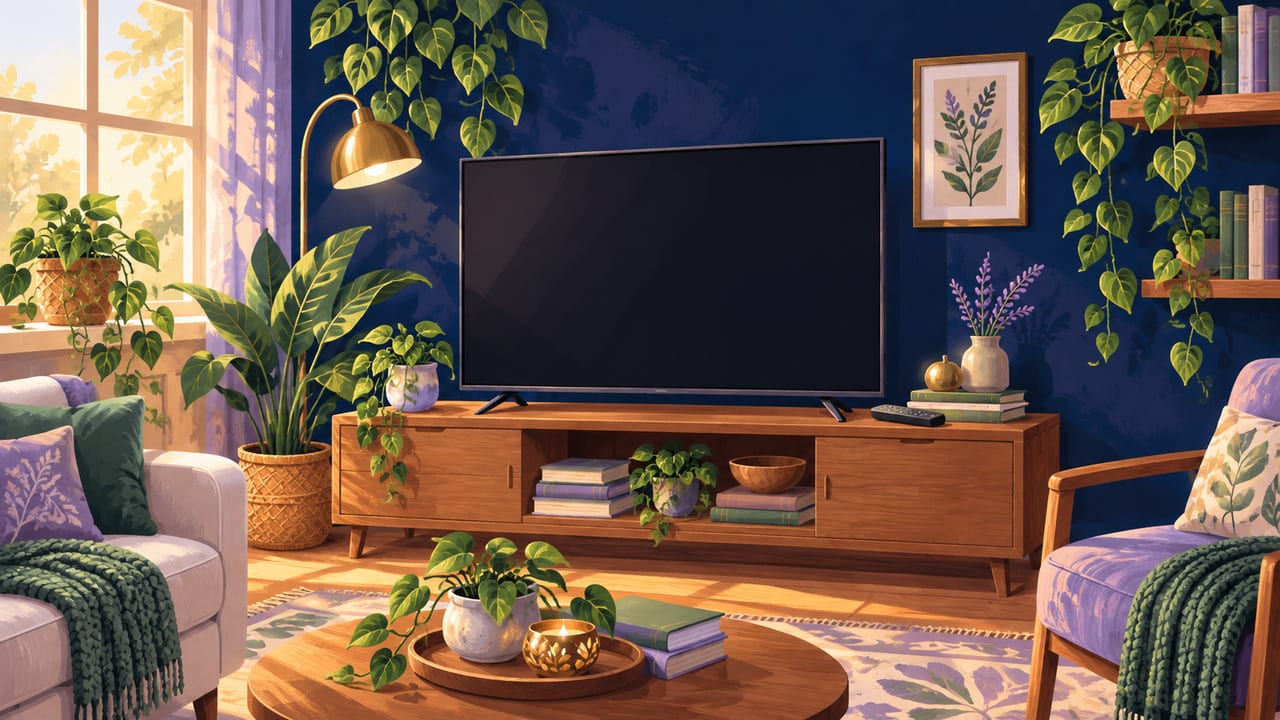
A TV screen shows every fingerprint and speck of dust the moment it's off, and the remote and console around it collect just as much without anyone noticing.
None of that calls for a strong cleaner. It calls for the right cloth.
Use only a microfiber cloth
Wipe the screen with a dry microfiber cloth first, the same kind used for eyeglasses or camera lenses. Never use a paper towel or an old rag.
Why? Paper towels and rough fabric are made of fibers that scratch a screen's coating, even when they look soft.
Dampen the cloth, never the screen
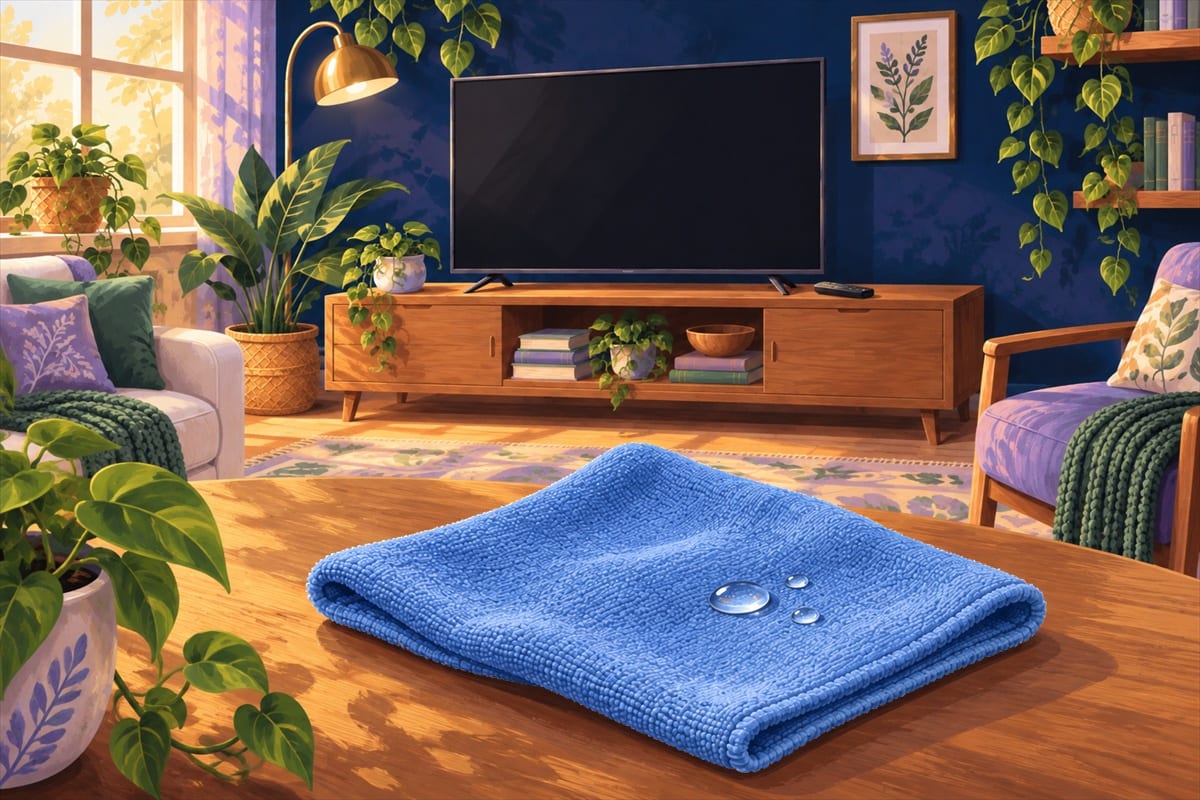
If dust remains, dampen the cloth slightly with water or a screen-safe cleaner. Never spray liquid directly onto the screen.
Why? Liquid sprayed onto the screen can run into the edges and reach the electronics underneath, where it can cause permanent damage.
Skip glass cleaner and vinegar
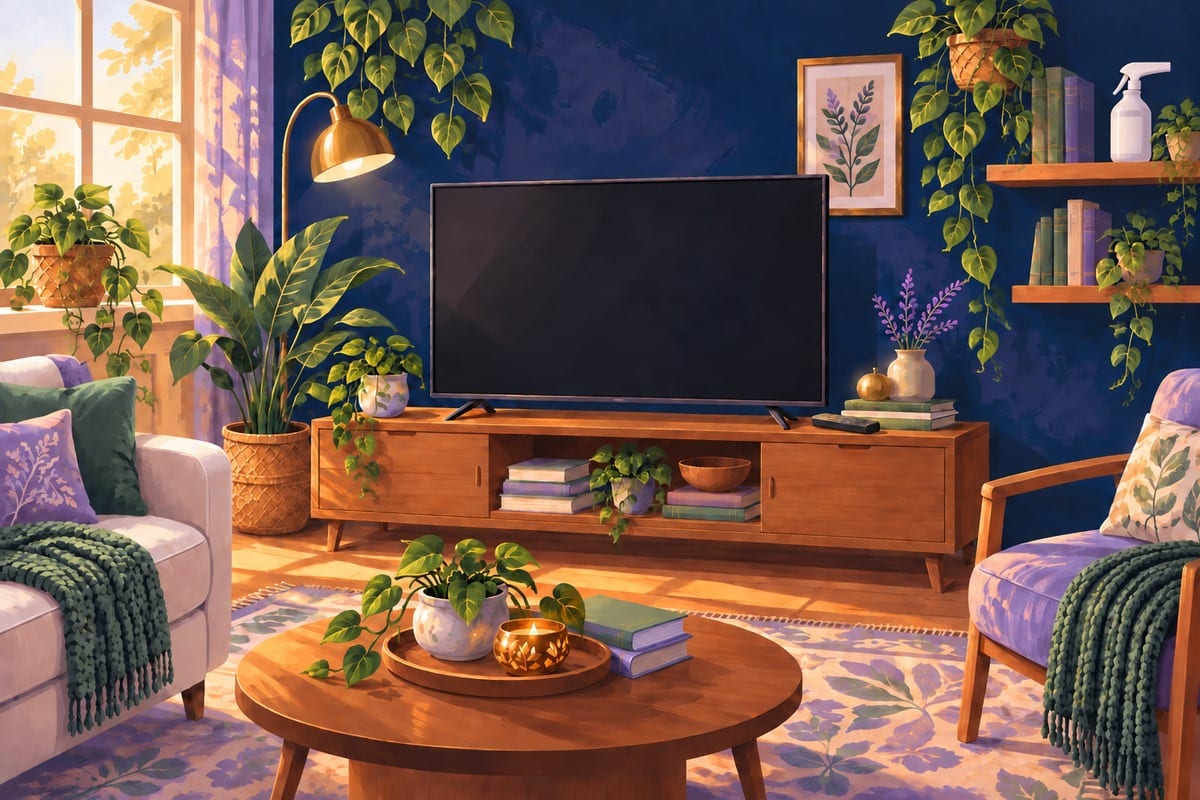
Keep window cleaner, vinegar, and alcohol-based cleaners away from the screen entirely.
Why? These break down the anti-glare coating many screens have, leaving a permanent cloudy patch that can't be wiped away.
Wipe the case and remote separately
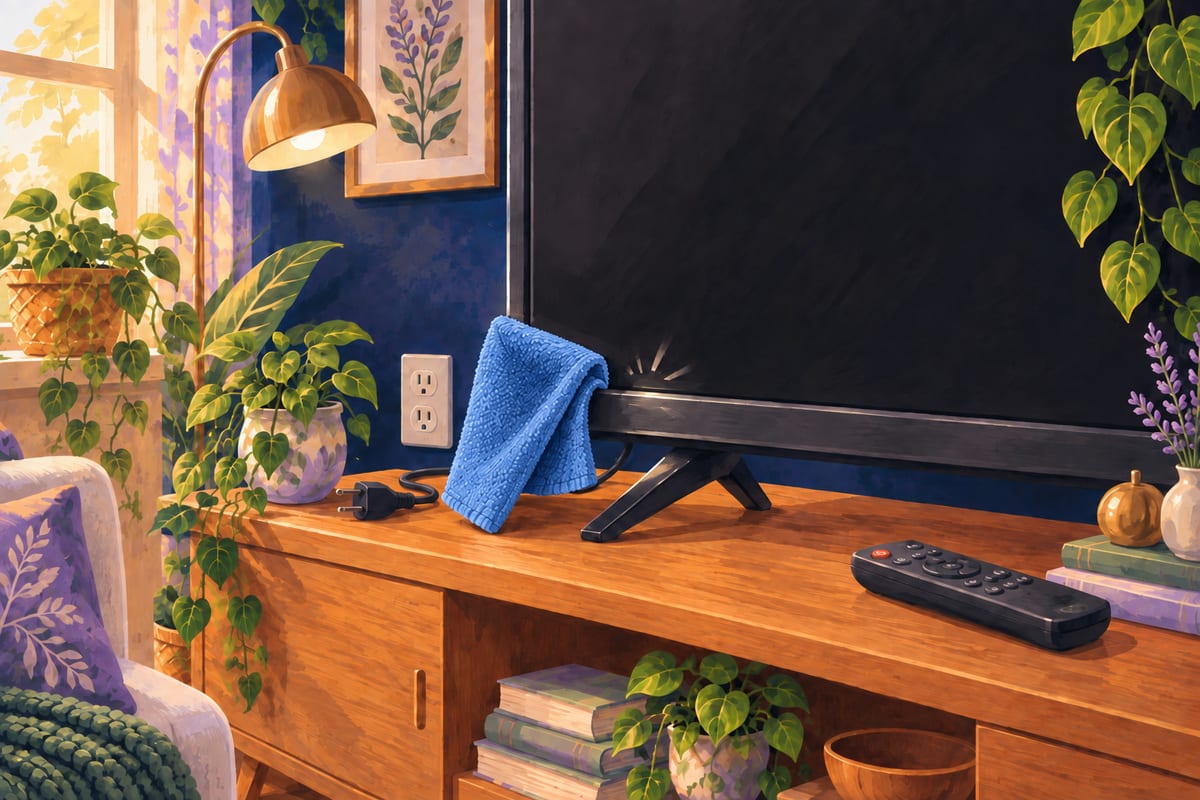
Wipe the plastic case, console, and remote with a cloth barely dampened with water and a drop of mild soap.
Why? The case can handle a bit more moisture than the screen, but a soaked cloth can still drip into buttons and vents.
If today's a low-energy day
Just dust the screen with a dry microfiber cloth. That's enough for now.
The larger lesson
A screen rewards the gentlest tool in the house, not the strongest cleaner. The right cloth protects a coating no spray can put back.

A dry microfiber cloth does more for a screen than any cleaner ever could.